
That question comes down to one bottleneck: radio signal quality. Before you replace your cable plan or router, run a home 5G check at the exact spot you want the gateway, because fixed wireless speed and latency can swing a lot. This article compares fixed 5G home internet and cable broadband on real factors like speed ranges, peak-hour behavior, reliability, and setup requirements, so you can decide what actually fits your household.
5G home internet won’t automatically replace cable everywhere, but it can where cable is slow or not available.
In practice, fixed 5G often targets about 100 to 300 Mbps, and latency can run around 40 to 70+ ms. Cable commonly reaches higher speeds (often 75 to 2,000 Mbps) with steadier performance during peak hours.
Will 5g Replace Cable Internet?
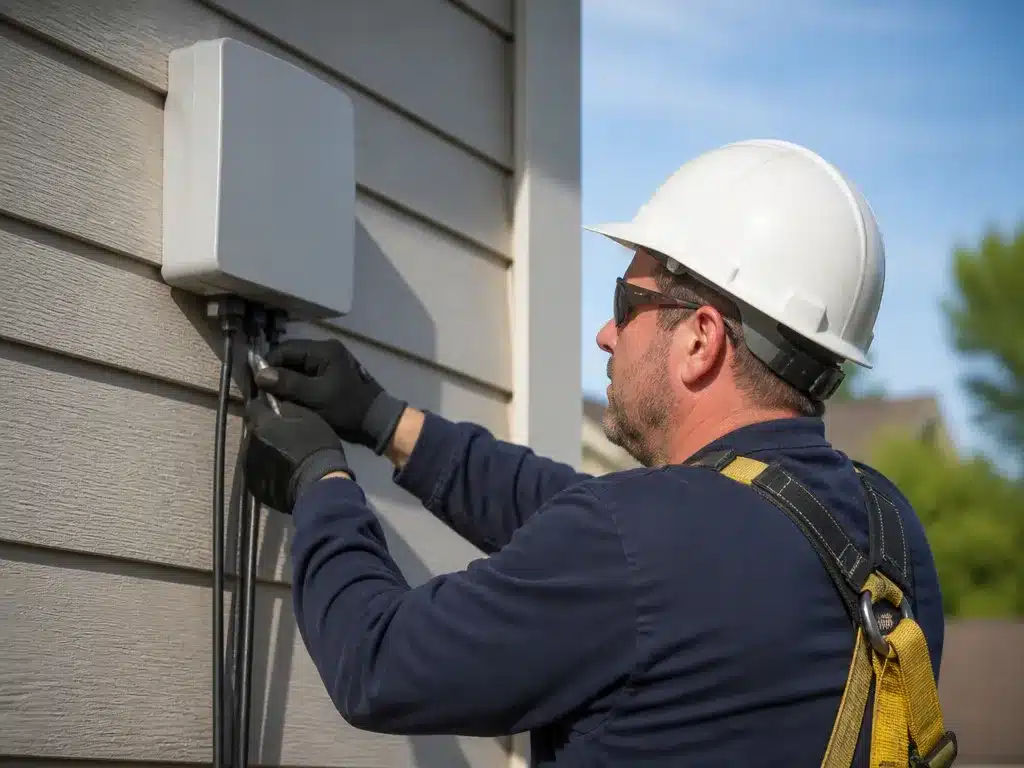
5G fixed wireless is a real alternative to cable, but it rarely wins everywhere. Cable often gives steadier performance during peak hours because the link is wired, while 5G can vary with signal strength and local tower congestion. Many households can replace cable today, but some will still prefer cable for consistency.
Think of this as trade-offs, not an upgrade path guaranteed by technology alone. In general comparisons, cable is described as having more consistent speeds and fewer outages, while 5G is described as having fluctuating speeds and more variability. Plan terms also differ, since 5G home internet is often marketed as flat-rate and sometimes with fewer fees, while cable plans may include data caps or additional equipment and installation charges depending on the provider.
Where 5g Can Feel Like A Replacement
5G home internet tends to make the greatest sense when cable is unavailable, limited, or inconvenient to install. The most common “replacement” wins are places that already have decent 5G coverage, short drive-time distance to the nearest cell site, and an installation spot that provides strong signal. Heavy cable users can still be fine, but they usually want the strongest possible 5G signal and a plan with suitable data allowances.
Where Cable Tends To Keep The Edge
Cable often wins for households that need stable latency for gaming and video calls, or that see congestion on wireless networks during busy hours. Cable’s wired connection also tends to be less sensitive to weather and short-term signal changes. If you have a multi-person home streaming simultaneously, cable usually gives a more predictable experience.
For decision-making, treat 5G as a “try to replace” option and cable as a “keep what’s stable” option. Choose 5G today if coverage checks look strong at your address, you can place the gateway where signal is best, and your plan terms match your household’s monthly usage. Choose cable to stick with it when you have reliable service, strong reasons to avoid wireless variability, or you expect heavy, always-on bandwidth demands.
Next steps to evaluate your specific address: run a coverage and speed check for the exact building, then compare what your provider advertises to what you can realistically test at home. Ask for a trial period if offered, or plan to measure speeds at multiple times of day after installation. Track latency and stability, not just peak download speed, because replacement quality shows up during evenings when everyone is online.
5g Fixed Wireless Vs Cable
5G fixed wireless often reaches roughly 100 to 300 Mbps in typical ranges, while cable internet commonly offers higher top-end speeds and more consistent performance because it rides on a wired network. 5G can be faster to set up and easier to place for renters, but it can swing more with tower congestion, signal quality, and weather.
| Factor | 5G Fixed Wireless | Cable Broadband |
|---|---|---|
| Typical speed range | About 100 to 300 Mbps reported in comparisons | Often wider range, with plans that can reach 75-225 Mbps and up to 2,000 Mbps depending on area and tier |
| Upload speed | Often around 10 to 20 Mbps in comparisons | Often higher (comparisons cite 10 to 50+ Mbps) |
| Latency and jitter | Often medium to high latency (around 40 to 70+ ms) and more variability | Often lower latency (around 15 to 30 ms) and steadier behavior |
| Peak-time reliability | More sensitive to tower congestion | More sensitive to local network load, but typically steadier |
| Setup style | Usually a plug-in 5G gateway, sometimes with outdoor antenna options | Usually technician install of coax connection and modem setup |
| Data caps and terms | Often marketed as flat-rate with some plans having data limits | Some providers use data caps or different contract terms |
Reliability During Peak-time Hours
5G fixed wireless performance can drop when many neighbors use the same tower at the same time, even if your signal looks strong. Latency and jitter can rise during busy hours, which is where online gaming can feel “laggy” even when speed tests look decent.
For cable, the connection is wired, so it typically has steadier behavior during peak usage. Cable can still slow down when neighborhoods are busy, but the swing is often smaller than what you see on wireless links. If you work from home during lunch hours or game in the evening, your best predictor is how the service behaves at those times, not the marketing “max speed.”
Installation Time And Required Gear
5G fixed wireless usually needs a 5G gateway and good placement, sometimes with an outdoor antenna if indoor signal is weak. Signal strength depends on tower distance and whether there is good line of sight through windows or walls, so setup can take longer if the provider needs to re-aim or relocate the gateway.
Cable install usually involves activating coax wiring and using a cable modem, then connecting it to your router or mesh system. Cable installs can take longer upfront (technician visit or appointment timing), but the equipment list is more standardized and you avoid antenna placement games.
Practical takeaway: Choose 5G when you need fast setup or cable is unavailable, but plan to test during your busiest hours. Choose cable when you want steadier latency and upload for gaming, video calls, and multi-device households.
What Drives 5g Home Speeds
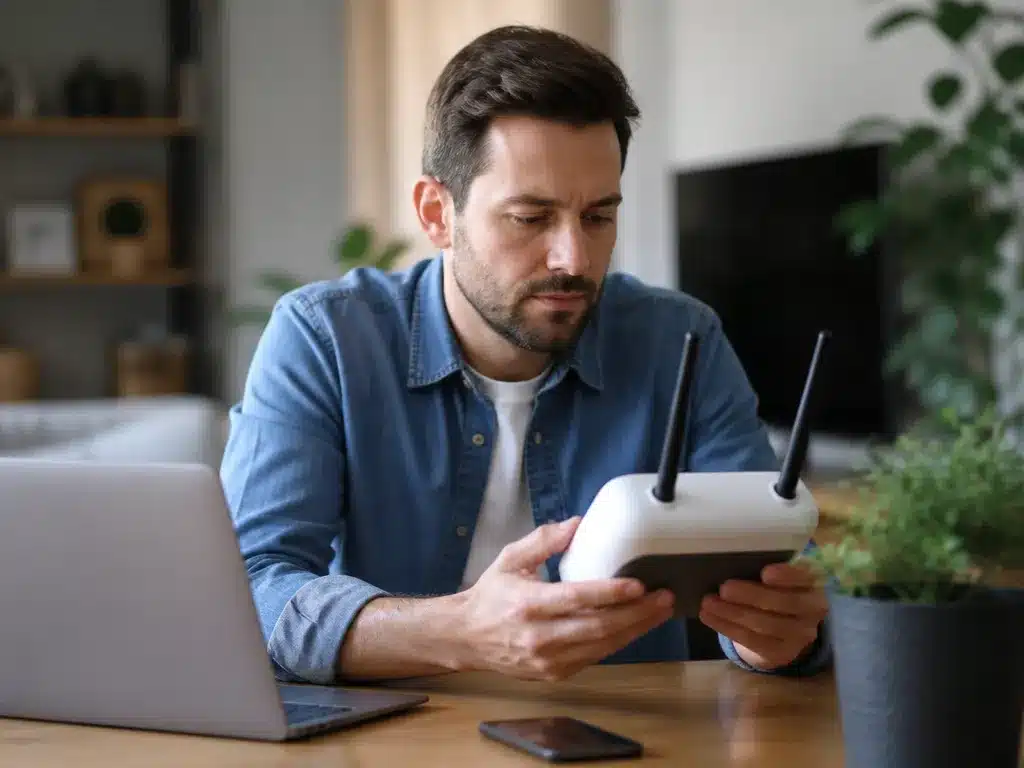
5G home internet can feel fast or frustrating because your gateway’s usable signal determines real throughput, and your local tower capacity determines how steady that speed stays. Fixed wireless also reacts to indoor placement and weather, so performance can swing day to day even when your plan is unchanged.
Signal Strength, Distance, And What “Good” Looks Like
Signal strength is the biggest variable in whether a 5G gateway can pull higher speeds reliably. Tower distance matters, but so does the quality of the radio path, because speed drops faster when the signal is weak than when the tower has plenty of capacity.
For a practical check, treat the gateway’s signal indicator (or the signal metrics in the gateway app) as your first diagnostic step. If the numbers are mediocre, moving the gateway can help more than changing Wi-Fi settings.
Line Of Sight, Walls, And Where The Gateway Is Placed
Line of sight (or near line of sight) usually helps because 5G signals are easier to sustain when buildings and terrain do not block them. Building materials can noticeably reduce signal quality, especially thick brick, concrete, metal roofing, and windows with metal coatings.
Indoor placement often creates the biggest “speed mystery.” For instance, a gateway in a basement can perform far worse than the same model placed near a front window or upstairs landing, even though both locations are indoors.
| Factor | Common homeowner impact | What to do |
|---|---|---|
| Tower distance | More drop-off at the edge of coverage | Move the gateway to improve signal metrics |
| Line of sight | More blockage means lower usable speed | Test a front-room or window placement |
| Building materials | Concrete, brick, metal coatings reduce signal | Avoid basements and interior closets |
| Indoor vs outdoor | Outdoor or near-outdoor placement often improves signal | Consider an outdoor antenna only if the provider supports it |
Tower Congestion, Backhaul Limits, And Why Evenings Can Hurt
Tower congestion happens when many neighbors use the same cell at the same time. Even a strong signal can slow down when the tower’s backhaul (the connection from the tower back to the internet) is limited or overloaded.
Seasonal and daily patterns follow that same logic. Weekday evenings and local events often create the worst experience, while early morning hours can feel noticeably better on the same setup.
Weather And Seasonal Performance Shifts
Weather can change how 5G radio signals behave, especially with heavy rain, wet leaves, fog, or snow that increases signal loss. Seasonal foliage is also a real factor, because trees can absorb and scatter radio waves once leaves fill in.
Practical takeaway: measure performance at the same times of day before and after you notice issues. If speeds dip only during certain weather or seasons, the root cause is usually radio conditions or tower load, not your Wi-Fi router.
Quick reality check: If your signal metrics improve with gateway relocation but peak-hour speeds still fall, tower congestion or backhaul is the likely bottleneck.
Next step: Run a speed test from a wired Ethernet device connected to the 5G gateway (not over Wi-Fi) and compare results at different times. Wired testing helps separate gateway performance from Wi-Fi coverage problems.
When Latency And Jitter Matter
Gaming, video calls, and fast web pages feel “bad” when latency is high or when latency bounces around (jitter). Fixed wireless like 5G can show more jitter because radio conditions change, while cable tends to feel steadier because the connection is wired. Practical takeaway: measure at home before switching if you care about responsiveness.
Realistic Expectations For Calls And Competitive Play
Video calls often tolerate a wider range of latency, but jitter creates choppy audio, frozen video, and “lip-sync drift” because the app tries to smooth irregular timing. Competitive gaming is stricter because your actions need consistent round-trip timing, so jitter can feel like rubber banding even when average ping looks okay.
For everyday browsing, you can see a big difference in “snappiness” when packet loss or jitter spikes, even if downloads still look fast. For streaming, buffering usually points to Wi-Fi or routing congestion, while jitter can make quality bounce during the same stream.
How To Measure Latency And Jitter At Home
Latency is your round-trip time to a target, jitter is how much that time swings, and packet loss is how often packets never arrive. Use wired tests first so you do not measure Wi-Fi as “the internet.”
Wi-Fi vs. Wired Methodology (And Router Settings That Worsen Buffering)
Wi-Fi adds interference, roaming behavior, and bandwidth sharing, all of which can raise apparent jitter and buffer time. Ethernet tests are your “truth source,” because they remove radio variability and show whether the connection is solid.
| What you measure | Likely cause | What to do next |
|---|---|---|
| High average ping on Ethernet | WAN path instability, ISP congestion, or backhaul limits | Test at peak hours, reboot gateway, then escalate with ping logs |
| Low average ping but frequent ping spikes (jitter) | Radio variability, Wi-Fi interference, or buffering from congestion | Compare Ethernet vs Wi-Fi, relocate access point, check channels |
| Ping spikes only on Wi-Fi | Airtime contention or weak signal | Increase signal, reduce overlapping networks, use 5 GHz, consider wired backhaul |
Quick rule: If Ethernet latency is calm but Wi-Fi jitter is chaotic, the problem is usually in Wi-Fi coverage or configuration. If both are chaotic, the problem is usually in the access network (radio conditions for 5G, network congestion for cable) or the gateway.
Data Caps, Throttling, Priorities
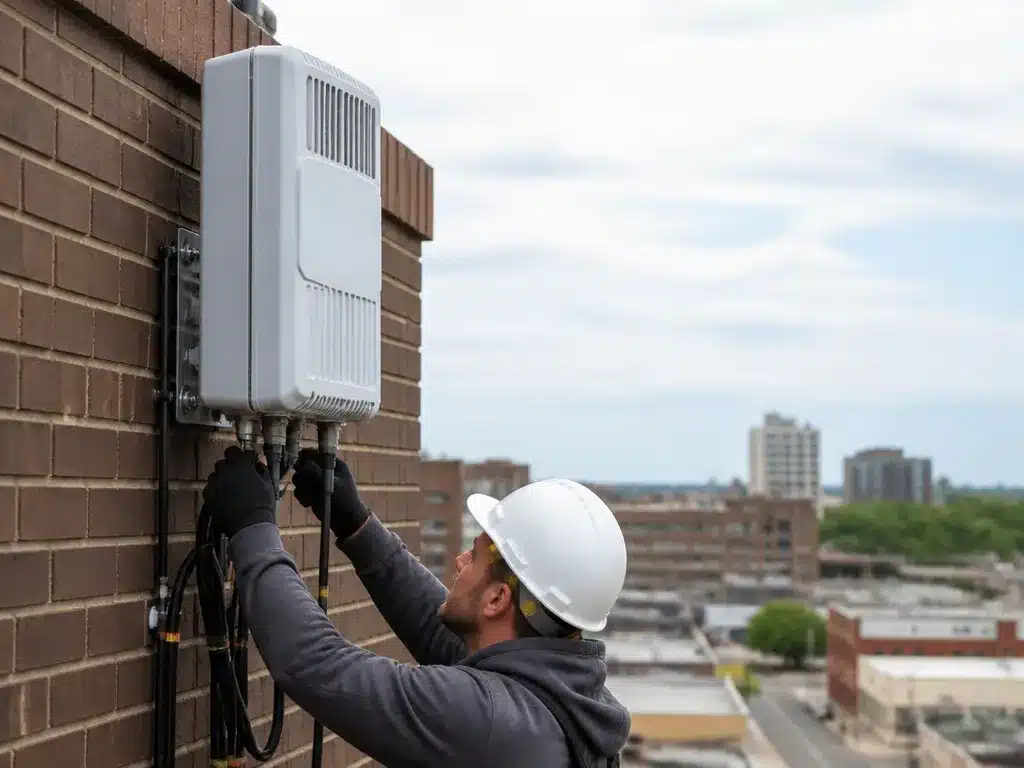
“Unlimited” on many 5G home plans usually means there is no hard stop at a fixed number of gigabytes, but network management still exists. Cable plans more often include data caps on some tiers, and both technologies can slow down during busy hours through deprioritization.
5G home internet commonly uses a cellular-style priority system: during congestion, your traffic may get lower priority than other customers on the same tower sector. This shows up as slower speeds and higher buffering at peak times, even if your plan reads “unlimited.”
Cable internet more often has steady performance because it is wired, yet you can still see throughput drop when the local neighborhood segment is busy. Some cable providers pair unlimited plans with seasonal or promotional usage policies, while other plans add caps that trigger after a threshold.
For families, the real difference is how fast performance changes throughout the day. 5G can feel “great at 10 PM and worse at 7 PM” if the tower is busy or your signal is weak indoors, while cable tends to be more consistent but can still degrade during neighborhood peak usage.
What You Notice Day To Day
Deprioritization and throttling typically do not announce themselves. You notice them through patterns: your speed tests look fine at off-peak times, then video buffers start around the same hour every evening, or online games feel “sluggish” without obvious packet loss.
For example, a household might have one person gaming on Ethernet, one streaming, and two phones on Wi-Fi. With 5G, the game latency can spike when the gateway is struggling with a weaker signal or the tower is congested, even if the gaming device itself is fine.
Gaming, Streaming, And Remote Work Behavior
Gaming is the most sensitive to latency changes and jitter, but data limits usually show up as slower downloads, longer queues, and more buffering rather than instant “disconnects.” With 5G, priority changes during congestion can raise latency variability, which makes aim and movement feel less precise even when speed is “good enough.”
Streaming is sensitive to sustained throughput. With deprioritization, you may still reach a decent bitrate initially, then fall behind when the network is busy, causing rebuffering or lower-resolution playback.
Remote work traffic is usually small and steady, so you might not see problems until congestion is severe. When it happens, video calls first show as choppy audio or video artifacts, then meeting software can indicate degraded connection quality.
Equipment requirements can create “looks like throttling” symptoms too. A 5G home gateway with a weak signal may reduce modulation or struggle to sustain throughput, which feels like the network is throttling when the real issue is radio performance.
Avoid surprise costs by reading the fine print for equipment fees, installation fees, and any “unlimited” policy terms. “Unlimited” can still come with conditions like a data threshold after which the provider changes priority, or a requirement to use a specific 5G gateway hardware.
| Issue to check | What it means in practice | What to do |
|---|---|---|
| Data cap | Hard limit or “overage” after a threshold on some cable tiers | Verify monthly policy before switching |
| Deprioritization | Slower speeds during tower or neighborhood congestion | Test at peak times and improve signal |
| Throttling/usage policy | Speed changes after heavy usage or certain traffic types | Confirm whether “unlimited” is truly unconditional |
| Gateway and antenna | Indoor signal limits can cause unstable throughput | Ask about outdoor antenna options if coverage is marginal |
Home internet that “replaces” cable for you usually depends on whether your household’s peak-hour usage lines up with periods when the 5G tower is busy. If your family streams and games heavily during evenings, you are more likely to see the practical effects of deprioritization, even with a plan marketed as unlimited.
Who Should Switch To 5g?
Switch to 5G home internet when your address has good 5G signal and you want an install that can be fast and simple, especially if cable or fiber is limited. Cable can still be the safer bet for heavy households that need steadier performance during peak hours and prefer a wired connection.
Best-fit Scenarios For 5g Home Internet
5G home internet fits best in “wired is hard” situations. Common examples are areas where cable or fiber is unavailable, a quick setup matters, or you need service at a temporary or secondary location.
5G performance can be very good, but it depends on radio conditions and tower load. Plan for real-world variability, since fixed wireless speeds and latency can swing more than cable, especially in bad weather or at crowded times.
Best-fit Scenarios For Cable Internet
Cable internet is a better default when you need consistent speeds across many devices and you care about low latency for gaming and video calls. Cable also tends to be more predictable because it is wired to your home instead of relying on radio links.
For larger families or anyone working from home during peak hours, cable is usually the safer choice because the connection path is less sensitive to where the gateway sits indoors. Cable can also be preferable when you want long-term stability over chasing the “best” antenna location for 5G.
Multi-user And High-demand Use Cases
Multi-user homes should treat 5G as a “prove it at your address” service. If you are supporting online gaming, 4K streaming, and video conferencing all at once, the radio link plus shared tower backhaul can push latency higher when conditions change.
In practice, cable often holds up better when the house is busy because throughput is less dependent on a good indoor signal. If you do choose 5G, do it with a test plan, such as running speed and latency checks at the times you actually use the internet.
| Household need | More likely to prefer |
|---|---|
| Many devices active at the same time | Cable |
| Gaming with competitive responsiveness | Cable (unless 5G tests great at your location) |
| Fast install priority, moderate usage | 5G |
| Area where cable is unavailable | 5G |
Moving To A New Address: What To Check First
Before you switch, check 5G availability and run a “best placement” signal check, then compare it with cable options at the same times of day. 5G is sensitive to gateway location, so your first goal is to find a spot with consistently strong signal, not just a one-time signal reading.
For cable, verify that the provider serves your address and that the plan includes the performance you need without added limitations that hurt real use. If you can, start with the option that offers a trial period, easy install support, or a clear escalation path if the speeds or latency do not match what you experience day to day.
Quick rule: If the household is small and you can tolerate some variability, 5G is worth trying. If the household is large or you need consistent peak-time responsiveness, cable is the safer starting point.
5g Setup and Troubleshooting Checklist
Plan your evaluation before you change anything. Fixed-wireless performance varies by signal and tower load, so the “same plan” can feel very different in the same neighborhood. Run a structured test routine for both peak hours and your typical usage, then decide.
For example, a household might see 300 to 400 Mbps download but still experience stutters in voice calls because jitter spikes at peak hours. In that case, fixing Wi-Fi placement or interference will not solve the underlying wireless variability, and you should treat the service as “works sometimes” until stability improves.
What To Do If The 5g Link Underperforms
5G underperformance usually falls into two buckets: signal problems and load problems. Signal problems improve with placement, window positioning, and sometimes an outdoor antenna, while load problems improve more slowly and often show up during peak evenings.
| Symptom you notice | Most likely cause | First action |
|---|---|---|
| Fast downloads, laggy games | Latency/jitter spikes or Wi-Fi interference | Test Ethernet first, then retune Wi-Fi placement and channels |
| Speeds drop during evening | Tower congestion or variable backhaul load | Compare peak-time results and escalate with timestamps |
| Weak signal indoors | Distance to tower, obstructions, or poor antenna orientation | Window placement, side facing tower, consider outdoor antenna |
| Wi-Fi is worse than Ethernet | Router placement, interference, or mesh/backhaul limits | Move node/router, reduce interference sources, verify mesh backhaul quality |
Decision rule for committing: If peak-time latency and jitter stay acceptable and your required devices work reliably in the rooms you use daily, 5G can be a real replacement. If peak-time performance swings keep breaking calls, games, or streaming, stick with cable for reliability and revisit later when coverage and network capacity improve.
Will Replacement Happen Soon?
5G fixed wireless is expanding, but full replacement of cable broadband across every neighborhood is unlikely in the near term. Cable is wired, so it keeps speeds steadier during peak hours, while 5G performance can swing as wireless conditions and tower load change. In many areas, cable upgrades and fiber-to-the-home builds are also moving forward at the same time, keeping pressure on 5G deployments.
What Slows Down 5g Becoming “The Only Option”
5G home internet depends on more than just having a tower nearby. Coverage needs appropriate spectrum, enough cell sites, and strong backhaul (the connection from the tower to the internet backbone). Those backhaul links often become the bottleneck when a market fills up with customers and latency climbs during busy periods.
Tower buildout also takes time, and spectrum availability is uneven by region. Weather and seasonal conditions can worsen signal at times, and interior placement can add extra losses compared to an optimized outdoor antenna location. Because of these constraints, two houses a few blocks apart can see very different real-world speeds.
Tower demand and wireless reach create a performance moving target. When you compare options, wireless variability is the big reason cable often wins on consistency.
Where 5g Will Likely Lead, And Where Cable Stays Ahead
5G tends to win where cable or fiber is limited, oversubscribed, or slow to install. Fixed wireless is also fast to start, because it often uses a self-install gateway, which helps in apartments, second homes, and locations where wiring work is impractical. In practical terms, 5G can be the dominant option in markets where fiber and cable coverage are patchy or installation timelines are long.
Cable (and especially fiber where it exists) stays ahead for households that need predictable performance across many devices and long sessions. Cable is also hard to beat for stable throughput once the line is installed, and it typically offers more headroom for heavy streaming and multiple gaming consoles. Many providers also rely on wired capacity planning that does not change as abruptly with a single household’s antenna placement.
| Household fit | 5G home internet | Cable broadband |
|---|---|---|
| Fast install | Often quicker due to plug-in gateway | Depends on wiring tech availability |
| Speed stability during peaks | Can vary with tower load and signal | Often steadier because it is wired |
| Latency for gaming | Can be higher and more variable | Often lower and more consistent |
| Plan limits | May include data caps or throttling (varies by provider) | May include data caps or usage rules (varies by provider) |
Over time, 5G can look better for many homes as carriers add spectrum, densify towers, and improve backhaul. Realistically, you can see performance gains without changing your house, because the network around you gets stronger. Cable can also improve, especially where upgrades expand capacity, so the “winner” by region can switch block by block.
“Dominant option” will usually mean the most common choice for new installs in an area, not that every address gets the same experience.
Switching sooner can make sense when cable is unavailable, unreliable, or you need a fast backup connection. Sticking with cable is smarter when you want consistent peak-hour performance, you game competitively, or your household has many simultaneous streams and long sessions where variability is noticeable.
Quick Summary
Whether 5G will replace cable internet comes down to the radio link quality and how well it holds up where you live, not the marketing. The article says to run a home 5G check at the exact spot you plan to place the gateway, because fixed wireless speed and latency can vary a lot. In general comparisons, fixed 5G often lands around 100 to 300 Mbps, with latency around 40 to 70+ ms, while cable commonly ranges from about 75 to 2,000 Mbps and is often closer to 15 to 30 ms.
The rest of the decision is about reliability during peak hours, practical setup, and plan terms, including possible data caps and tower congestion effects. Cable is usually described as more consistent during busy times because it is wired, while 5G can fluctuate with signal strength and local demand. Expect 5G to use a gateway, and some homes may need an outdoor antenna for better reception. The upgrade rule is simple, test 5G at your gateway location during the day and again evenings, and choose 5G only if both speed and latency stay acceptable, otherwise keep cable.
Frequently Asked Questions
Will 5g Home Internet Fully Replace Cable Internet In The Us?
Probably not soon, because 5G home is still limited by cell coverage and can have more speed variation than wired cable. Cable is widely available nationwide and typically uses a wired connection, while many 5G plans target speeds in a roughly 100 to 300 Mbps range (varies by area and plan).
Will 5g Home Internet Have Higher Latency For Gaming Than Cable?
It can, especially if your 5G signal is bouncing between towers or traveling through more interference, which can raise latency. One comparison guideline is that cable often lands around 15 to 30 ms while 5G can be more like 40 to 70+ ms depending on conditions.
How Can I Stop Wi-fi Drops If I Switch From Cable Modem To 5g Gateway?
First, place the 5G gateway in a central spot and keep it away from thick walls, metal racks, and microwaves, since those can weaken signal. If you still get drops, try moving to wired Ethernet for your gaming PC or TV, or add a mesh system and connect the main node to the gateway with Ethernet if possible.
Do I Need A Special Router, Or Will My Cable-compatible Router Work With 5g?
Your cable router usually works, but you might need the 5G gateway to be set up for bridge mode if available, so you do not run double NAT. If bridge mode is not an option, you can still use your router, but some online games and remote access apps can be fussier with double NAT.
Is 5g Home Internet Less Secure Than Cable Internet?
Not automatically, because the biggest practical security factors are usually your Wi-Fi password, whether you use WPA2 or WPA3, and keeping gateway and router firmware updated. With either cable or 5G, turn on the strongest encryption you can, use a unique password, and avoid exposing admin panels to the public internet.